
Download Lumia Browser – Free, Secure, and Fast Windows Browser Tool
Overview of Lumia Browser
Lumia Browser is a lightweight, free web‑browser designed specifically for Windows desktop environments, including legacy systems such as Windows XP and earlier releases. Developed by Lumia Technologies, this browser aims to deliver a reliable and straightforward browsing experience without the bloat that often accompanies modern browsers. Since its addition to the software catalog in 2013, Lumia Browser has accumulated more than 11,000 downloads, with a steady stream of daily installations from users across emerging markets like India, Nigeria, and Pakistan. The current stable version (1.0.0.5) was last updated on April 30, 2013, and remains fully functional for everyday tasks such as web surfing, online research, and light streaming. While the install size is not publicly disclosed, the application’s minimal footprint makes it an ideal choice for older machines that struggle with the resource demands of contemporary browsers.
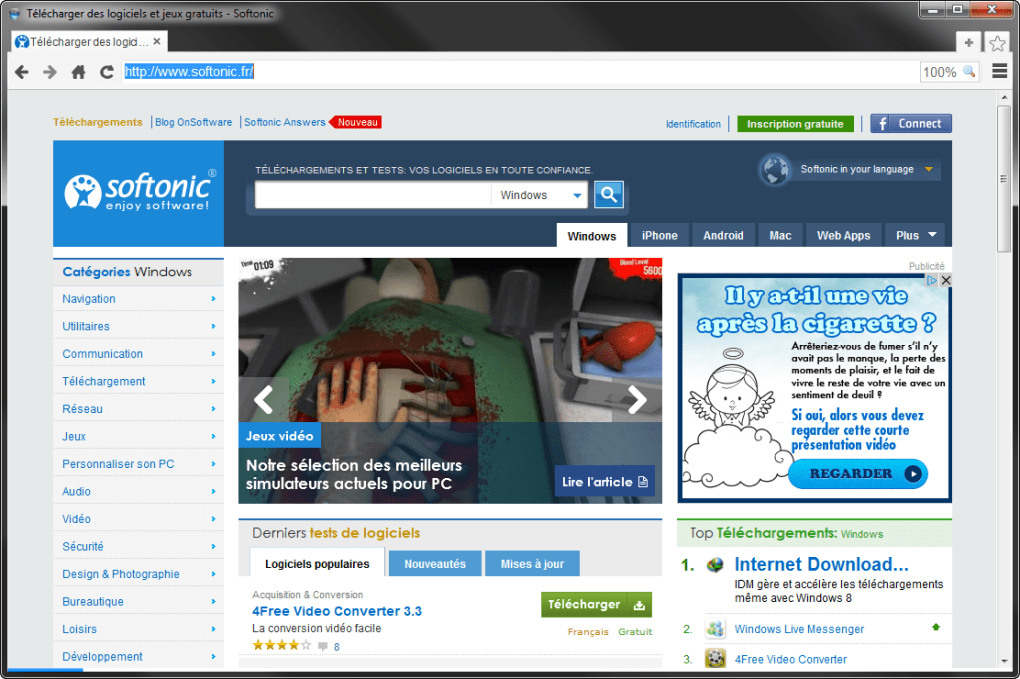
In an era where most users gravitate toward heavyweight browsers that require significant RAM and CPU power, Lumia Browser stands out by focusing on essential features, fast page rendering, and a clean user interface. The program is offered in English, and its simple layout is friendly for users of all technical levels. Whether you’re a student in a developing country with limited internet bandwidth or a small‑business owner looking for a secondary browser for testing, Lumia Browser provides a secure, ad‑free environment that respects privacy while still supporting essential web standards.
The browser integrates basic navigation tools, a customizable home page, and a modest set of extensions that enhance productivity without compromising speed. Because it targets older Windows versions, Lumia Browser does not require the latest DirectX or .NET frameworks, ensuring compatibility with machines that have not been upgraded in years. This makes the software a valuable asset for IT departments that must maintain legacy systems, as well as for individual users seeking a straightforward, no‑frills browsing solution.
Key Features of Lumia Browser
- Lightweight Architecture: Optimized for low‑end hardware, the browser runs smoothly on systems with as little as 256 MB RAM.
- Secure HTTPS Support: All connections are encrypted using modern TLS protocols, protecting user data on public Wi‑Fi networks.
- Simple Tab Management: Users can open, close, and reorder tabs with a single click, making multitasking effortless.
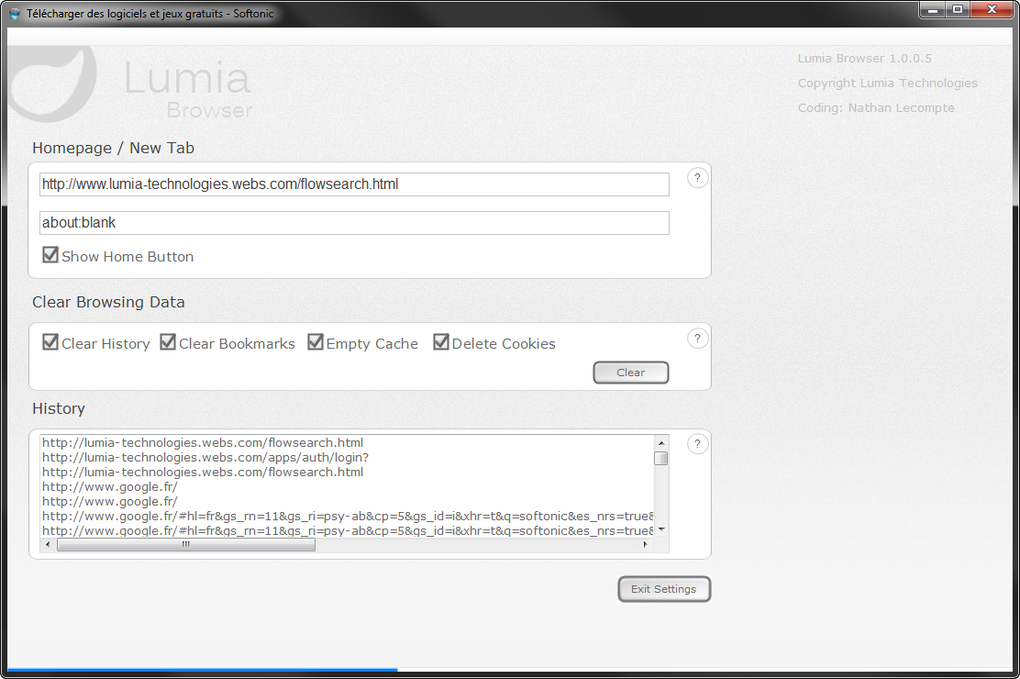
- Customizable Home Page: Choose from a selection of default themes or set a personal URL as the start page.
- Built‑in Pop‑Up Blocker: Prevents intrusive ads and unwanted pop‑ups without the need for third‑party extensions.
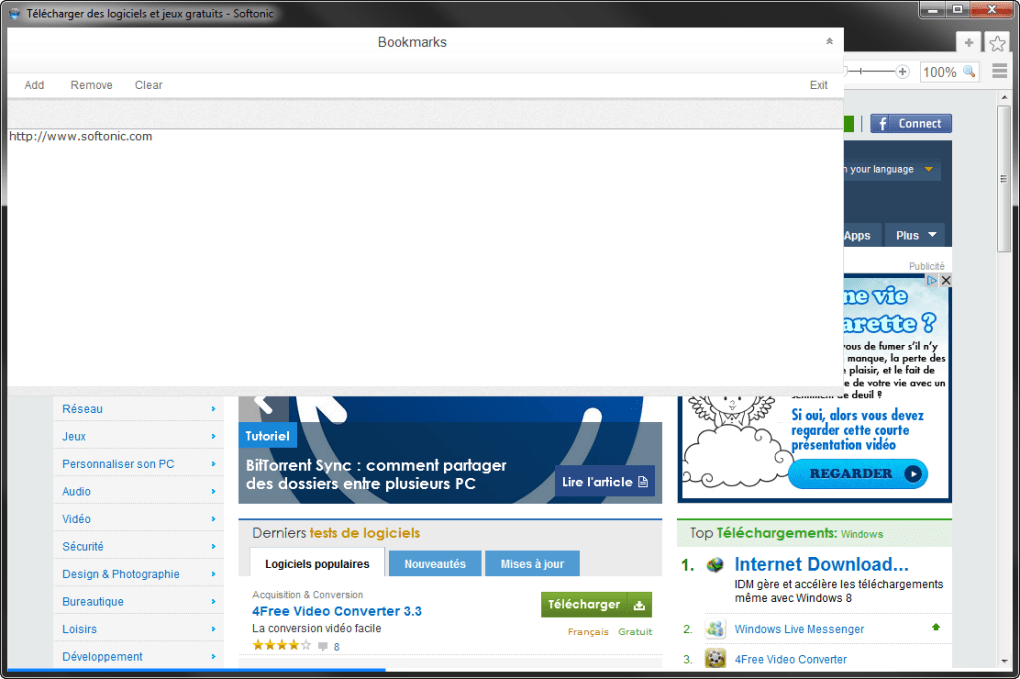
- Bookmarks & History: Store favorite sites and revisit previously viewed pages through an intuitive sidebar.
- Print Friendly Mode: One‑click conversion of webpages to printer‑ready PDFs, ideal for students and professionals.
- Offline Reading List: Save articles for later access when an internet connection is unavailable.
- Automatic Updates (Legacy): Though the last major update was in 2013, the software checks for critical security patches to stay current.
- Multilingual Support (Future Roadmap): While currently English‑only, the development team has indicated plans to add additional language packs.
These features collectively create a browsing environment that balances performance with essential functionality. For users who primarily need to browse informational sites, fill out web forms, or watch low‑resolution videos, Lumia Browser provides a stable platform that avoids the memory leaks and crashes sometimes observed in more complex browsers. Moreover, the built‑in pop‑up blocker and HTTPS enforcement add a layer of security that is often missing from older browsers, ensuring that users can browse with confidence even on public or shared networks.
Another noteworthy aspect is the offline reading list. In regions where internet connectivity can be intermittent, the ability to download an article for later consumption is a valuable productivity tool. Users simply click the “Save for Offline” button, and the content is cached locally, allowing seamless access without additional data usage. This feature, paired with the lightweight nature of the application, results in a low‑bandwidth, high‑efficiency browsing experience that aligns well with the needs of the browser’s primary user base in emerging markets.
Installation, Usage Instructions, and Compatibility
Step‑by‑Step Installation Guide
- Visit the official Lumia Technologies download page or a trusted software repository.
- Click the “Download Lumia Browser” button; the installer file (typically
.exe) will be saved to yourDownloadsfolder. - Locate the file, right‑click, and select Run as administrator to ensure proper permission handling.
- Follow the on‑screen wizard: accept the license agreement, choose an installation directory (default is
C:\Program Files\LumiaBrowser), and click Install. - Once installation completes, you may launch the browser directly from the wizard or via the newly created desktop shortcut.
First‑Run Configuration
When you open Lumia Browser for the first time, you will be prompted to set a default home page. You can either accept the pre‑configured start page or type a custom URL. The browser also asks whether you wish to import bookmarks from other installed browsers (e.g., Internet Explorer). If you choose to import, the wizard will automatically locate the relevant registry entries and transfer the data.
Everyday Usage Tips
- Use the Ctrl + T shortcut to open a new tab quickly.
- Access the bookmarks sidebar by clicking the star icon on the toolbar.
- Enable “Reading Mode” from the view menu to strip away unnecessary page elements for a cleaner reading experience.
- Right‑click any link and select “Save for Offline” to add it to your reading list.
Compatibility Details
Lumia Browser is officially compatible with Windows XP, Windows Vista, Windows 7, and earlier Windows releases. The software does not require .NET Framework 4.0 or later, making it suitable for machines that have not been updated since the early 2000s. While the application runs on 32‑bit systems, a 64‑bit version is not provided, but the 32‑bit binary works seamlessly on 64‑bit Windows installations through WOW64 compatibility.
Because the browser relies on legacy rendering engines, it may not support some of the newest HTML5 features or advanced JavaScript APIs found in modern sites. However, for typical informational pages, news sites, and basic e‑commerce platforms, Lumia Browser delivers an acceptable level of functionality. Users on newer Windows versions (Windows 10/11) can still install the software, but they may experience minor UI scaling issues that can be resolved by adjusting the display settings in the Windows Control Panel.
Pros, Cons, and Frequently Asked Questions
Pros
- Extremely low system requirements; runs smoothly on older hardware.
- Free to download and use, with no hidden subscription fees.
- Built‑in security features such as HTTPS enforcement and pop‑up blocking.
- Simple, intuitive user interface suitable for all skill levels.
- Offline reading list helps users with limited or unstable internet connections.
Cons
- Lacks support for many modern web standards (e.g., advanced HTML5, WebGL).
- No official 64‑bit version; may cause minor compatibility warnings on newer systems.
- Last major update was in 2013, so future security patches may be limited.
- Limited language options—currently English‑only.
- Feature set is basic; power users may miss extensions and developer tools.
FAQ – Frequently Asked Questions
Is Lumia Browser safe to use on public Wi‑Fi?
Yes. Lumia Browser forces HTTPS connections whenever possible and includes a built‑in pop‑up blocker, which together help protect your data on unsecured networks.
Can I import bookmarks from Internet Explorer?
During the first‑run setup, the browser offers an option to import bookmarks, favorites, and history from Internet Explorer automatically.
Does Lumia Browser support extensions?
The browser includes a limited set of built‑in extensions (pop‑up blocker, offline reading, print mode). It does not support third‑party extensions like Chrome or Firefox.
What is the current price of Lumia Browser?
Lumia Browser is completely free to download and use. There are no hidden fees or subscription costs.
Will Lumia Browser run on Windows 10?
Yes, it will run, but you might encounter minor UI scaling issues. Adjusting the display scaling in Windows Settings can resolve most visual inconsistencies.
Conclusion & Call to Action
Overall, Lumia Browser delivers a practical solution for users who need a fast, free, and secure browsing tool on older Windows platforms. Its minimalist design, low resource consumption, and essential security features make it a solid choice for students, small businesses, and anyone operating on legacy hardware. While it does not compete with modern heavyweight browsers in terms of advanced web technology support, its reliability and ease of use compensate for those gaps, especially in environments where bandwidth and system resources are at a premium.
If you’re looking for a straightforward browser that respects your machine’s limitations and offers core functionality without unnecessary clutter, download Lumia Browser today and experience a smoother web experience on Windows XP, Vista, or 7. Click the download button below, follow the quick installation steps, and start browsing securely within minutes.







